
VR games in your browser (WebXR)
Thanks to WebXR, the Meta Quest browser can run full virtual reality games. Open the page, press Play, then the enter-VR button, and the game fills the headset — no store download and no developer mode.
The games on this list are built around Quest controllers: slicing to the beat, kicking a ball, flying, building. Many also open on a computer so you can take a look first, but the full experience is in the headset.
We test mainly on Quest 3 and Quest 3S. Other headsets with a WebXR-capable browser may work, but we can’t promise it.
Games in this selection
18 games
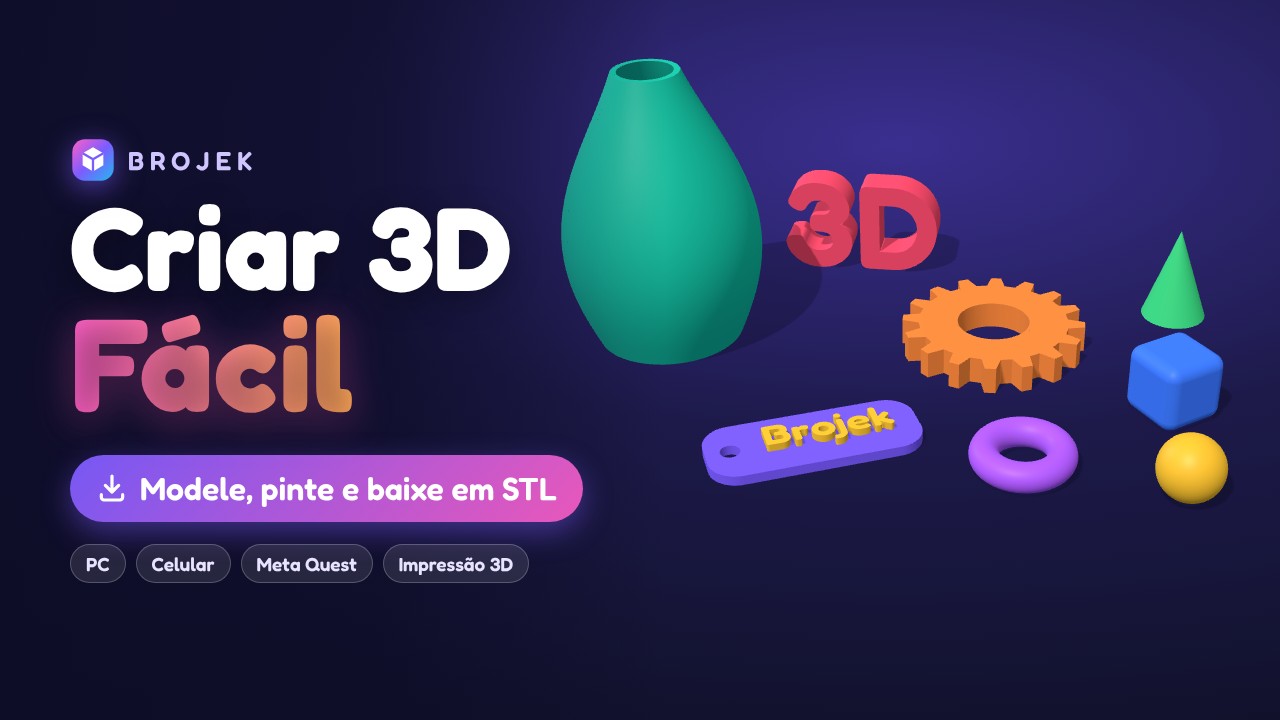
Brojek Criar 3D Fácil
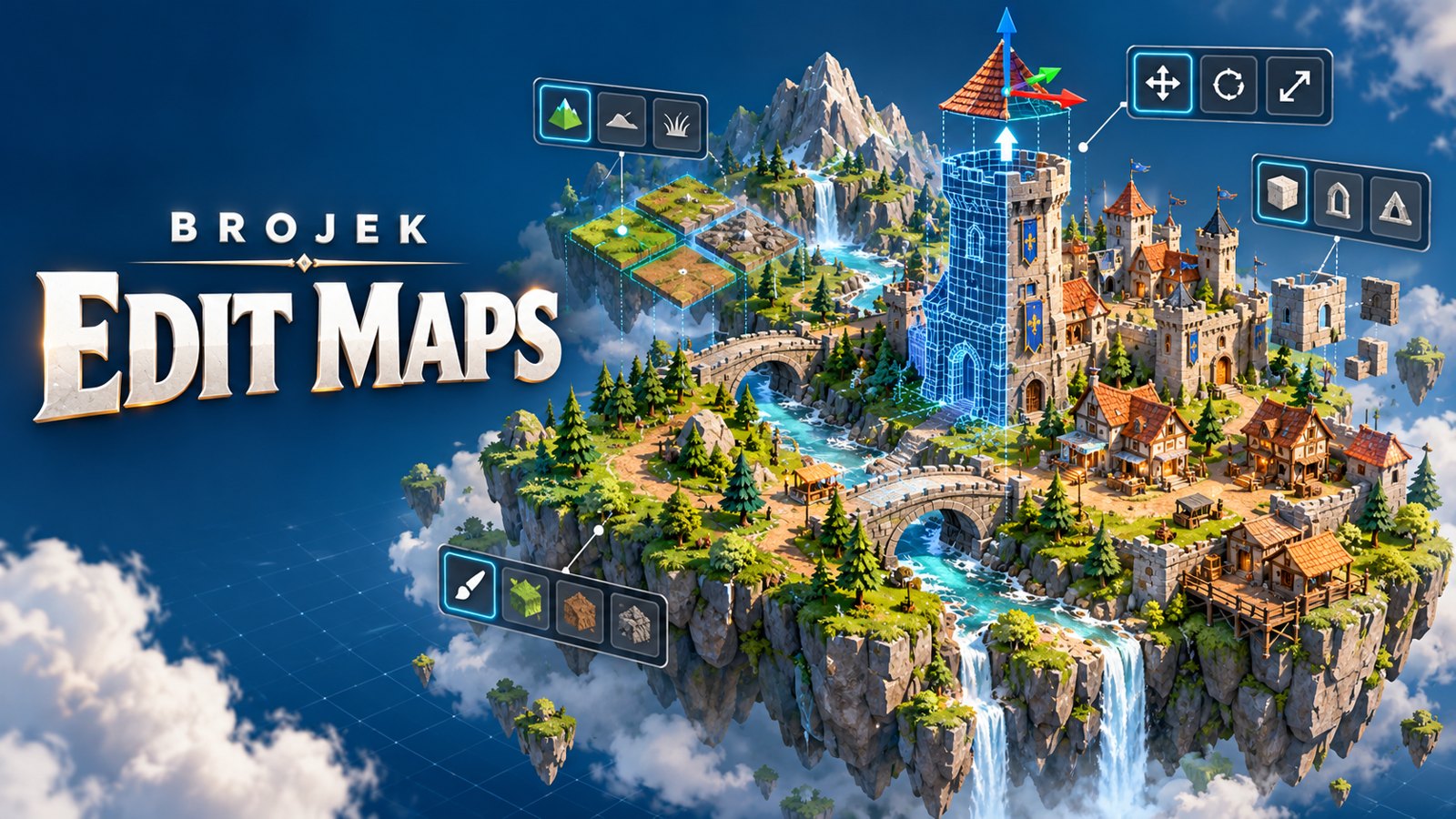
Brojek Edit Maps

Brojek Crazy Football MR
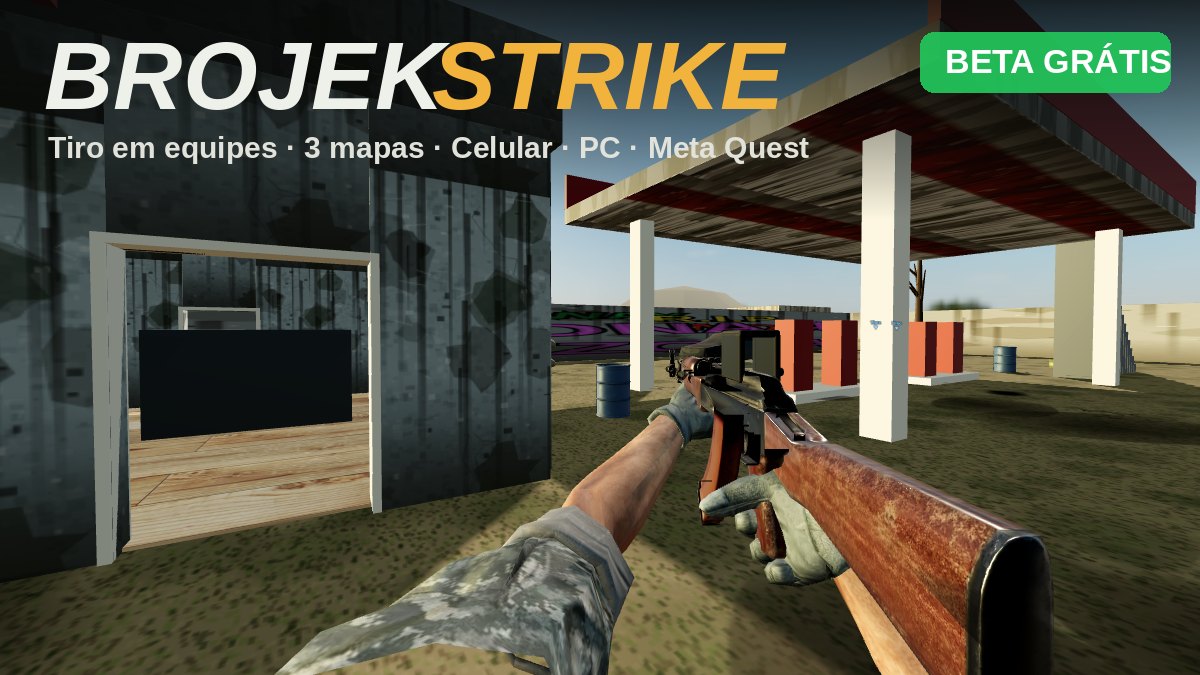
Brojek Strike

Brojek Ping Pong MR
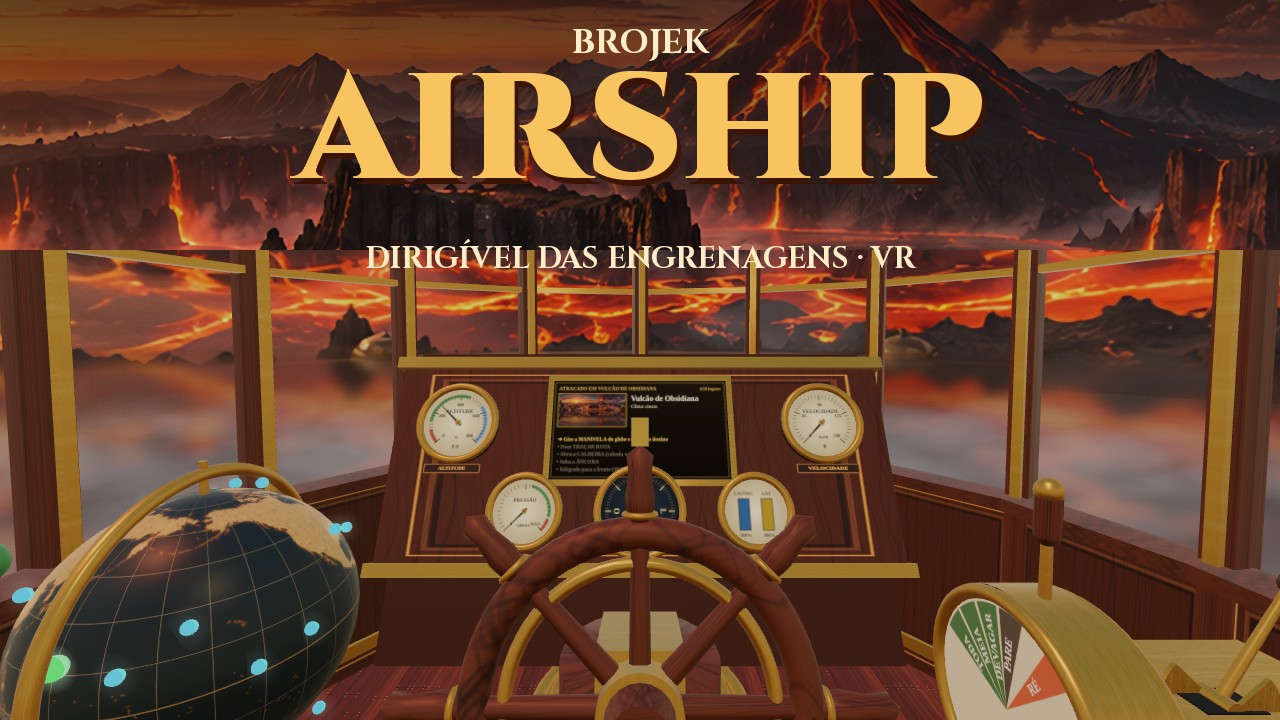
Brojek Airship
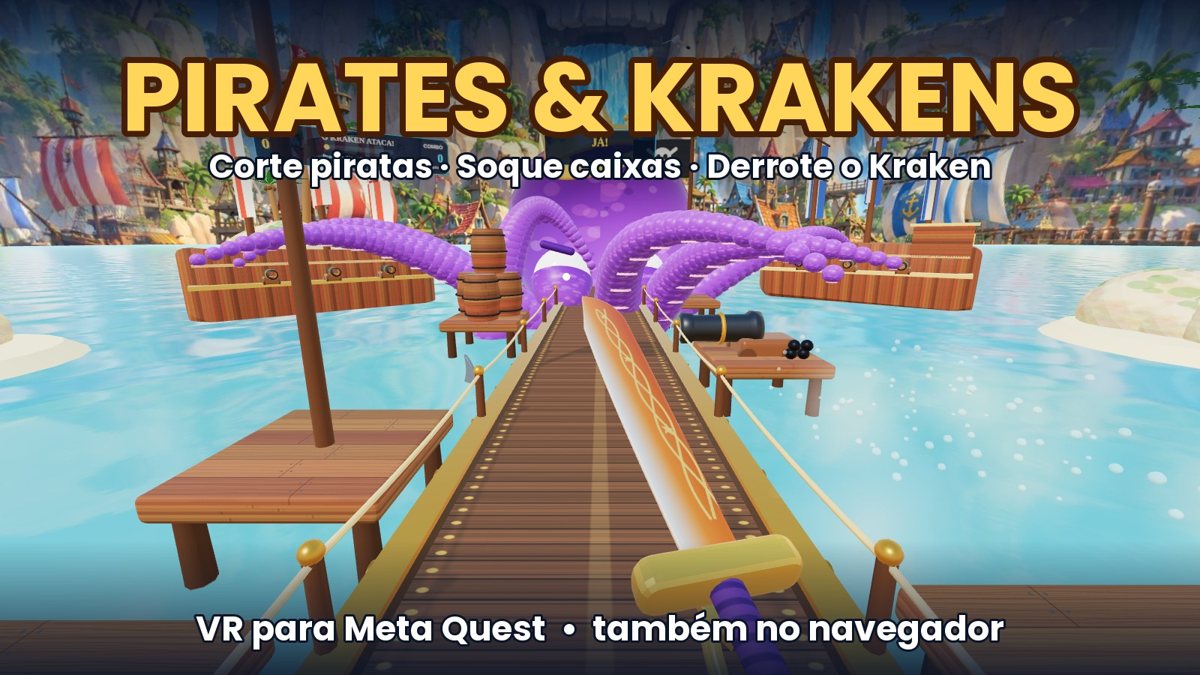
Pirates & Krakens

Sky Beat 4 Pirates
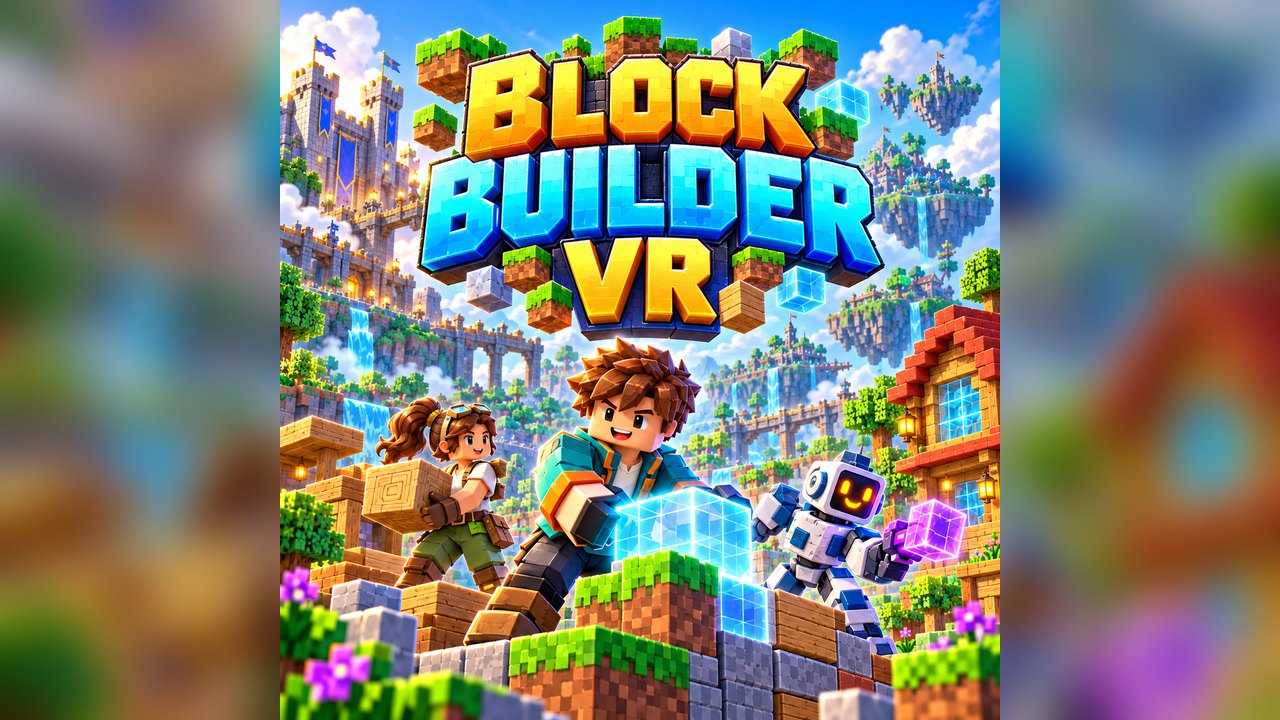
Block Builders VR
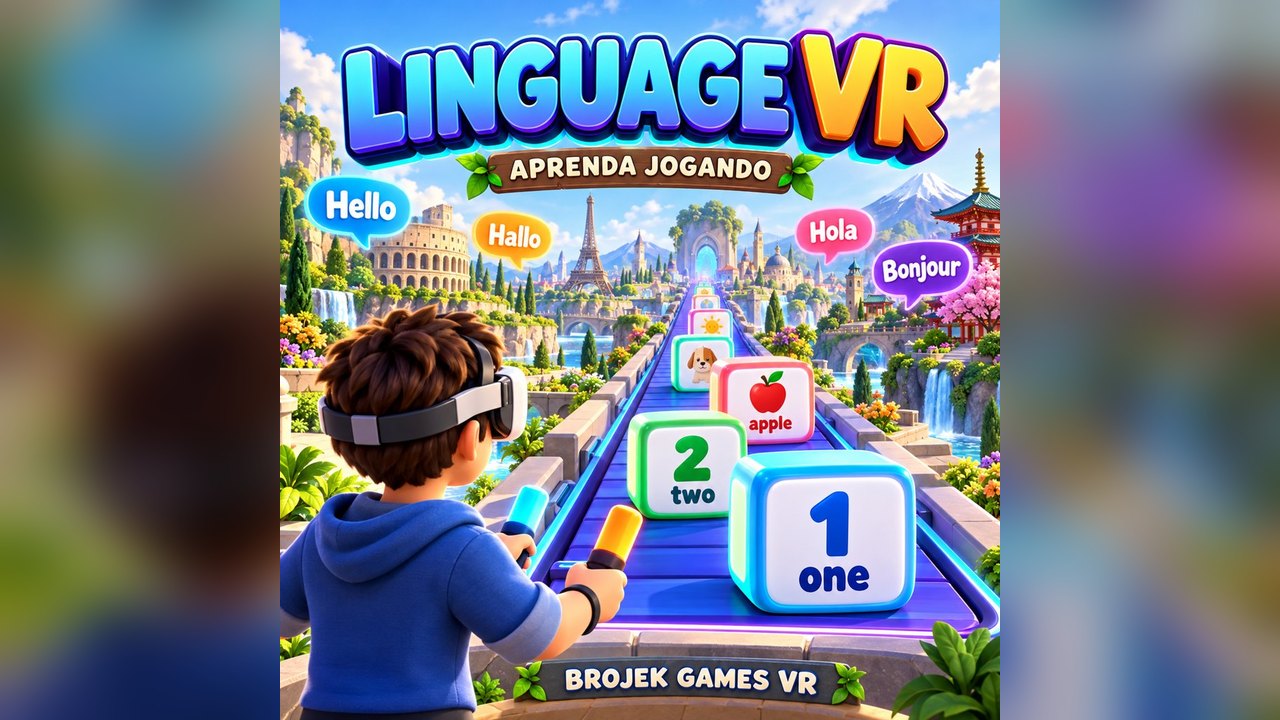
LINGUAGE VR

FUT VR 56
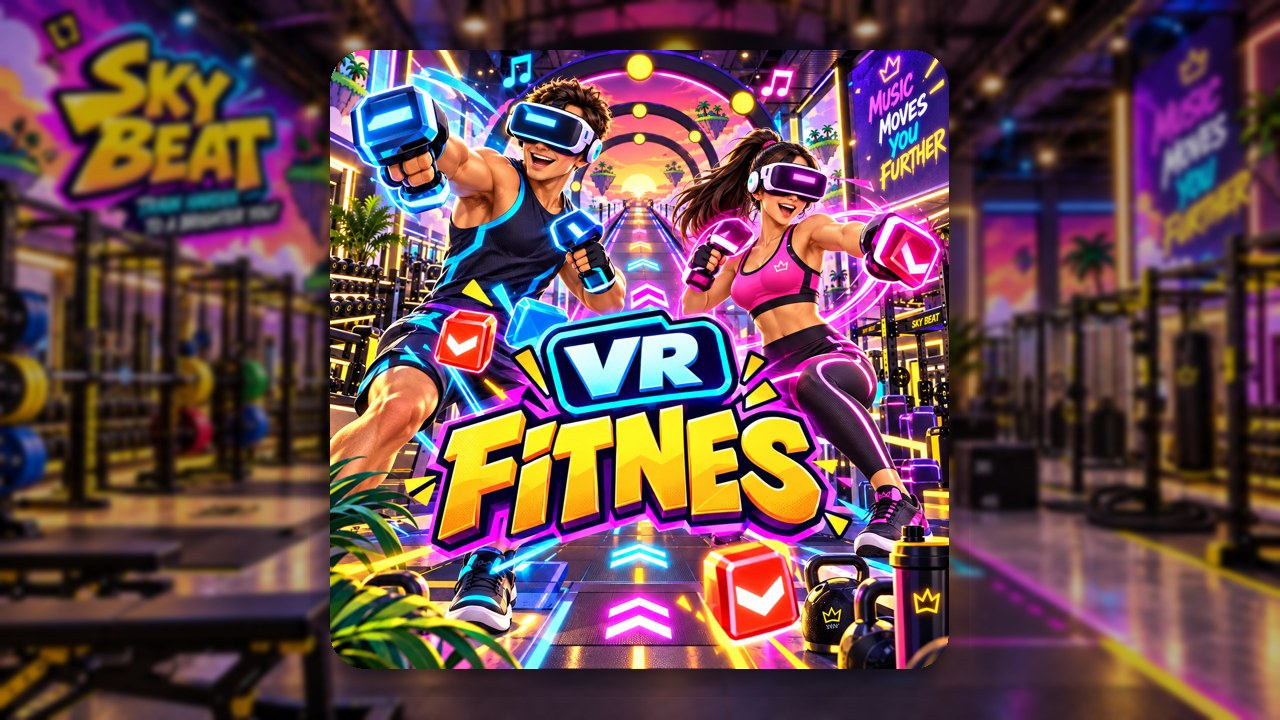
Brojek VR Fitness

Sky Beat 3 Cars
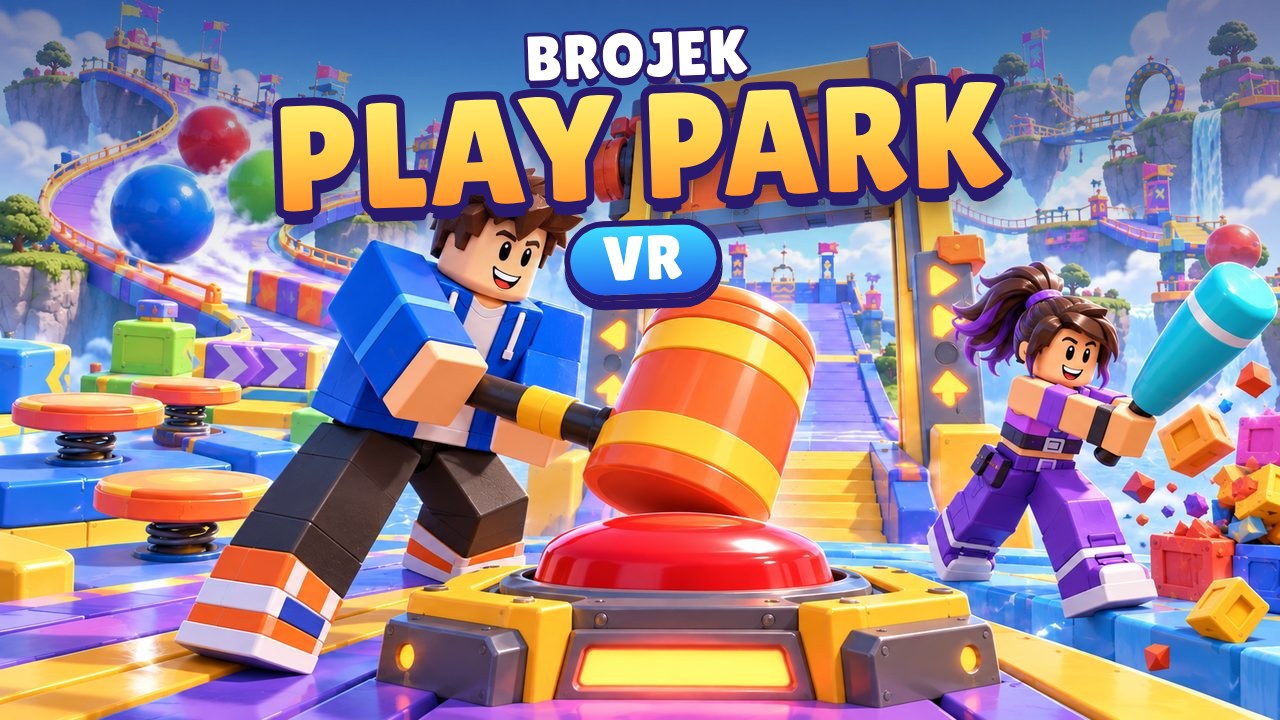
Brojek Play Park VR

Galaxy Rails VR

Sky Beat 2

Sky Beat
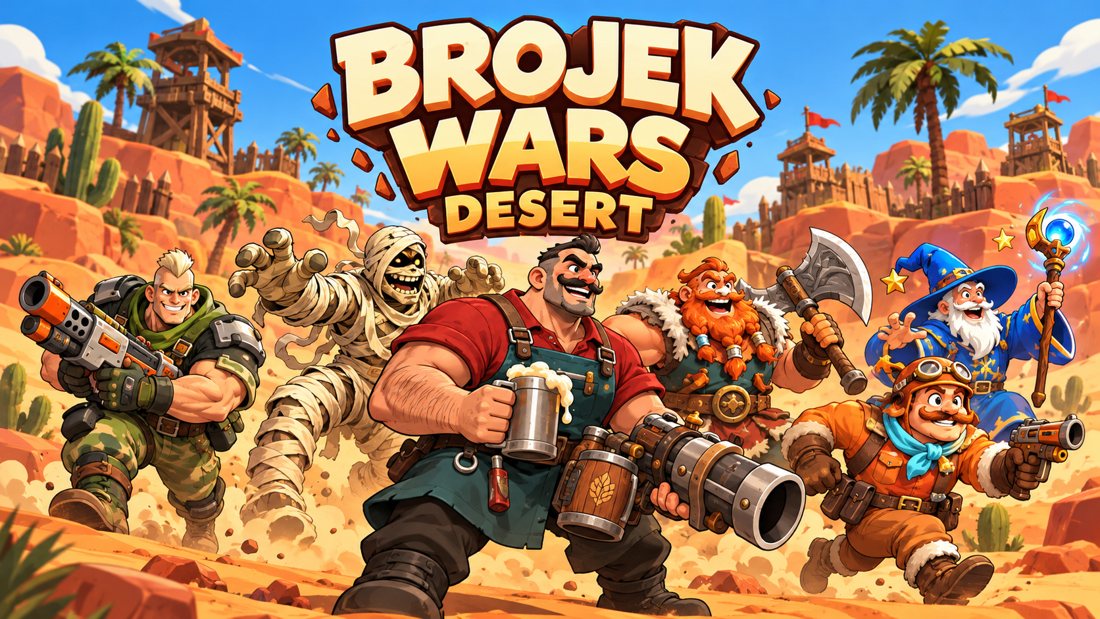
Brojek Wars Desert VR
Frequently asked questions
How do I play a VR game in the Meta Quest browser?
Open publicagames.com in the Quest browser, pick a game with the VR badge, press Play and then the enter-VR button inside the game. To leave, press the Meta button on your controller.
Do I need to install anything or enable developer mode?
No. WebXR is built into the Meta Quest browser. There is no APK, no sideloading and no developer account involved.
Does it work on Quest 2, Quest 3 and Quest 3S?
Games are tested on Quest 3 and 3S. Many also run on Quest 2, though the heavier ones may feel less smooth.
Can I play without a headset?
Several games open on a computer or phone with alternative controls, which is handy for a first look. For the full experience, use a headset.
Do you make games? Publish here in 3 steps
HTML5, WebGL, Unity WebGL, Godot, Three.js, Phaser… If it runs in a browser, it runs here.
PUBLISH YOUR GAME HERE- 1
Sign in
Create your account in seconds with a passkey (fingerprint, face or PIN).
- 2
Upload your game
A .zip with index.html (or a single .html), title, description, category, cover and controls.
- 3
Send for review
We test and publish it. You follow plays and play time in your dashboard.